
Instruction Block
One instruction list
A single action you can run from anywhere, like Deal Damage, Open Door or Spawn Loot.
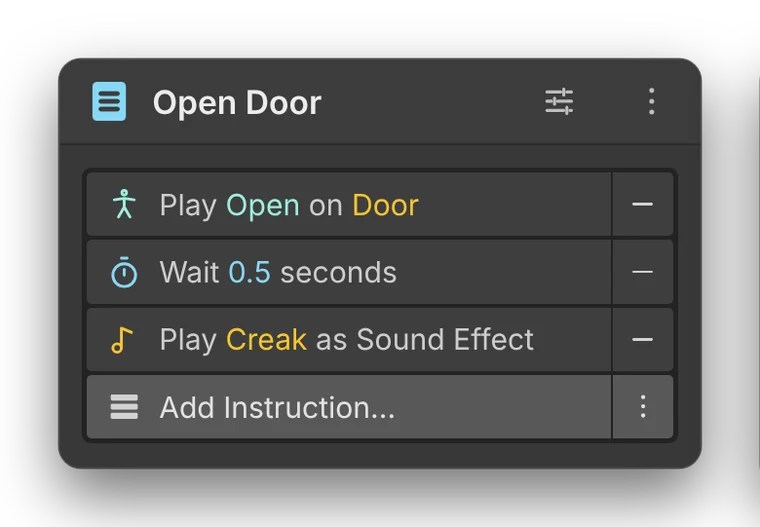
LogicBlock 2 turns instruction and condition lists into reusable assets. Put your logic in a Block, pass in values like a function call, and run it from any Event.
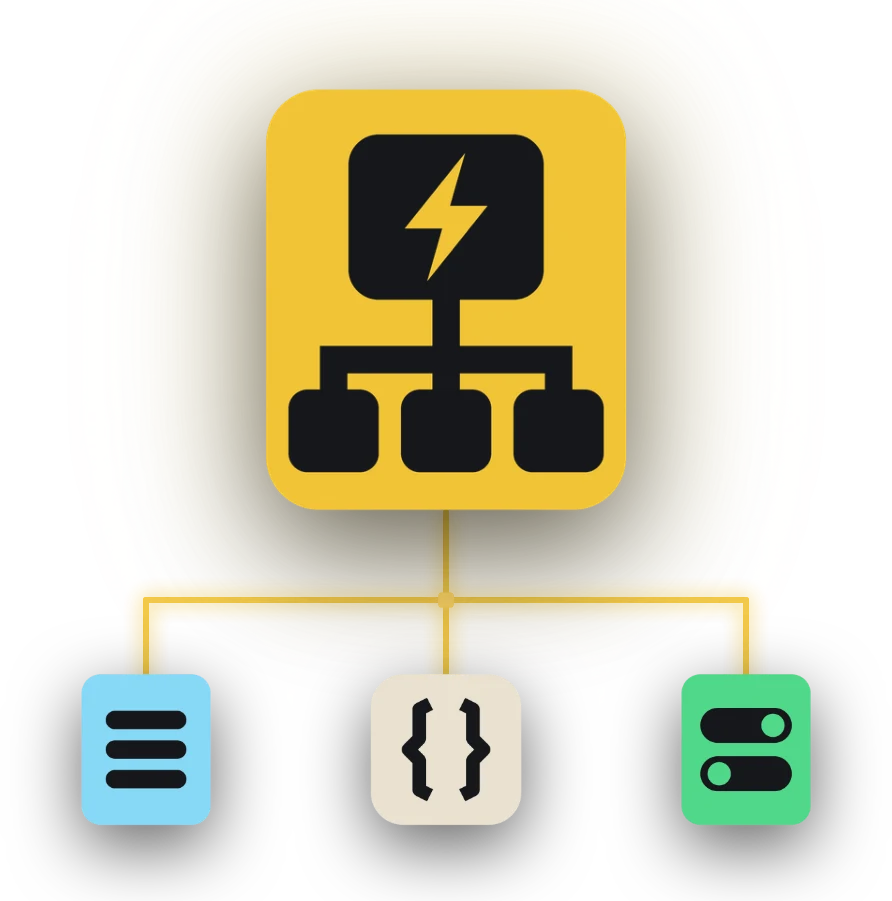
The copy-paste problem
The same few instructions end up in Event after Event. When something changes, you hunt down every copy. LogicBlock 2 keeps that logic in one asset, so a single change updates every place that uses it.
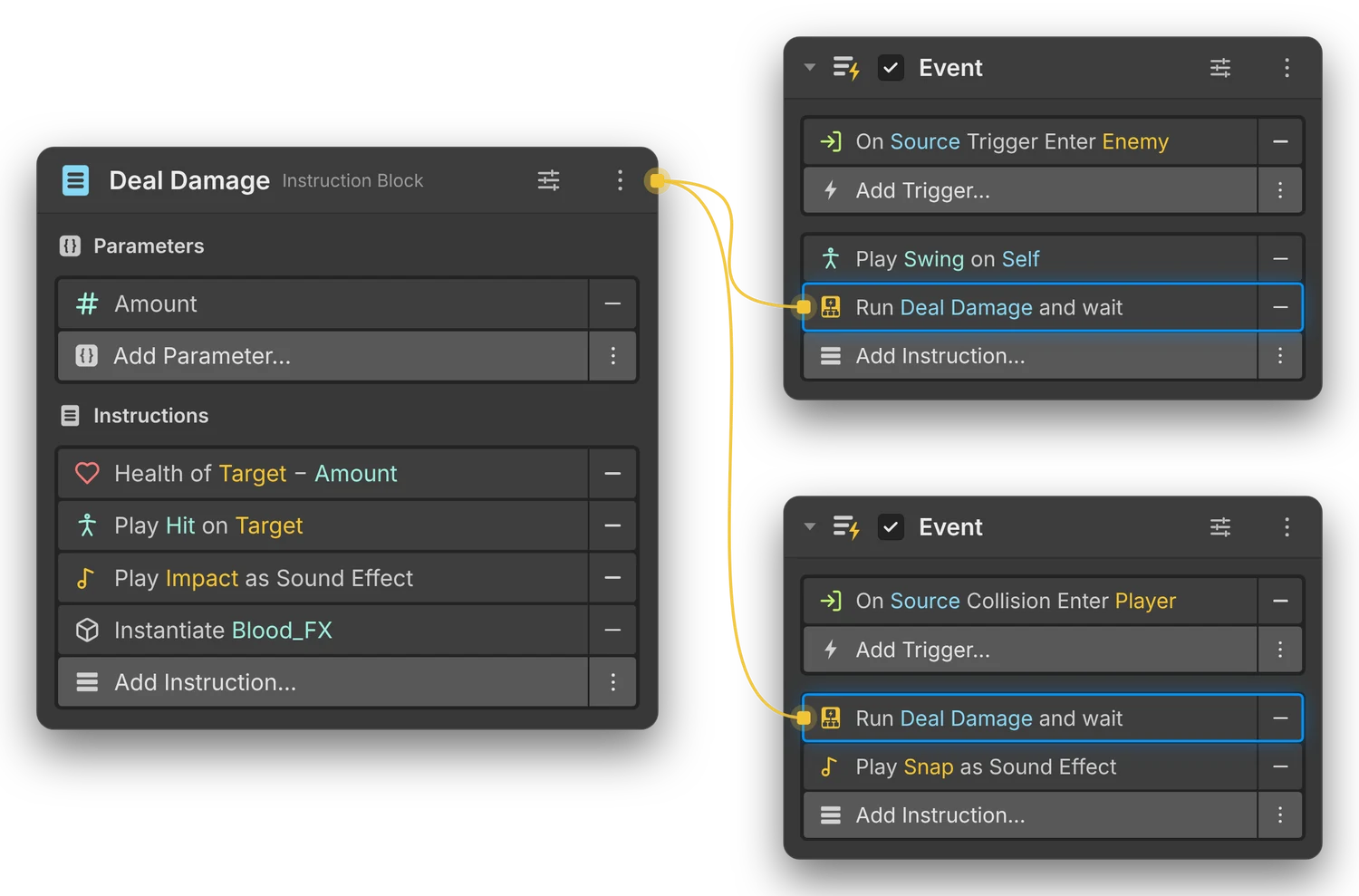
Reusable logic
Put instructions in a Block and run it from any Event, or from another Block. Change it once and every use updates.
Three assets
Pick the asset that fits. Each one has its own note for documenting what it does.
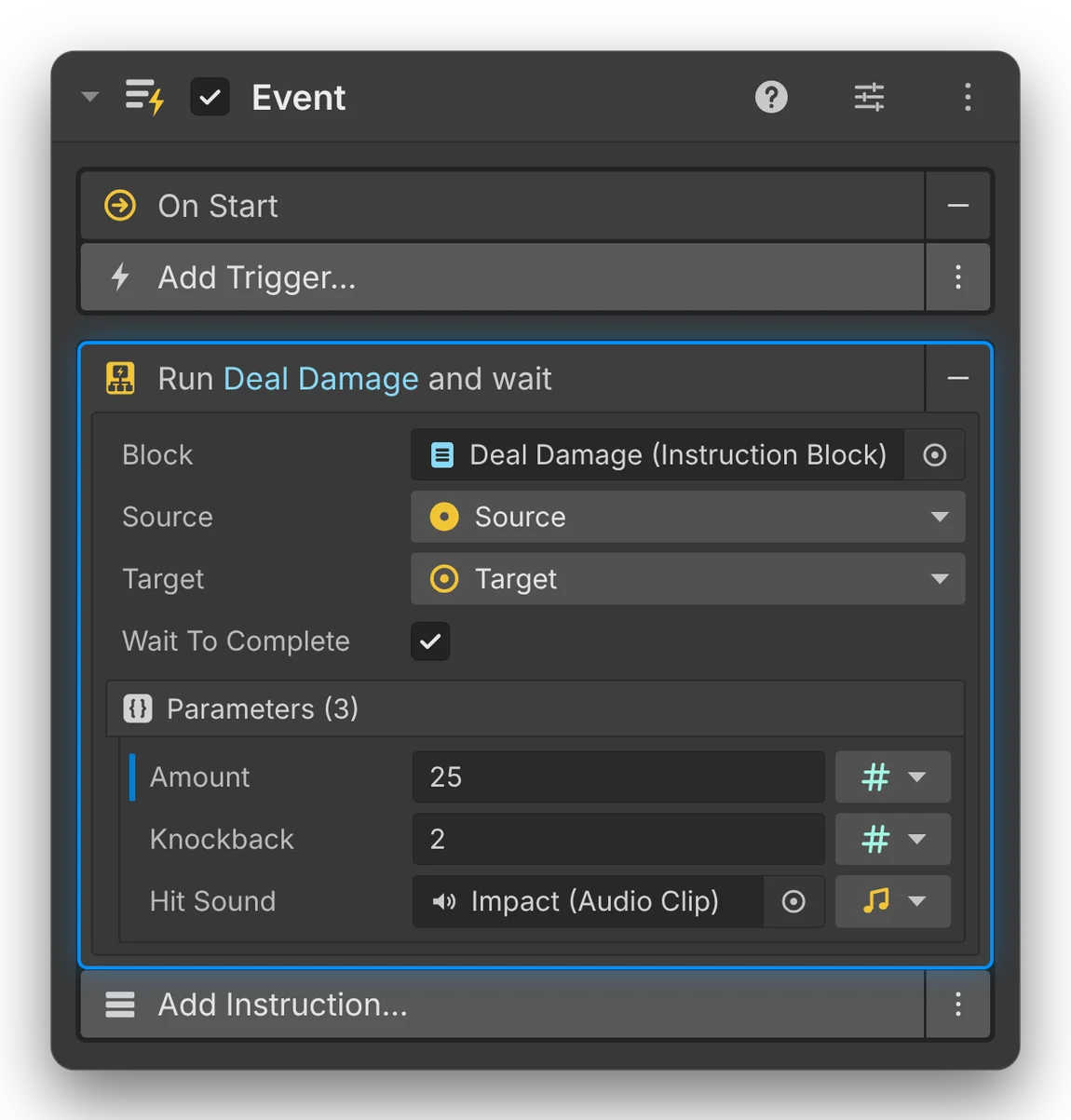
One instruction list
A single action you can run from anywhere, like Deal Damage, Open Door or Spawn Loot.
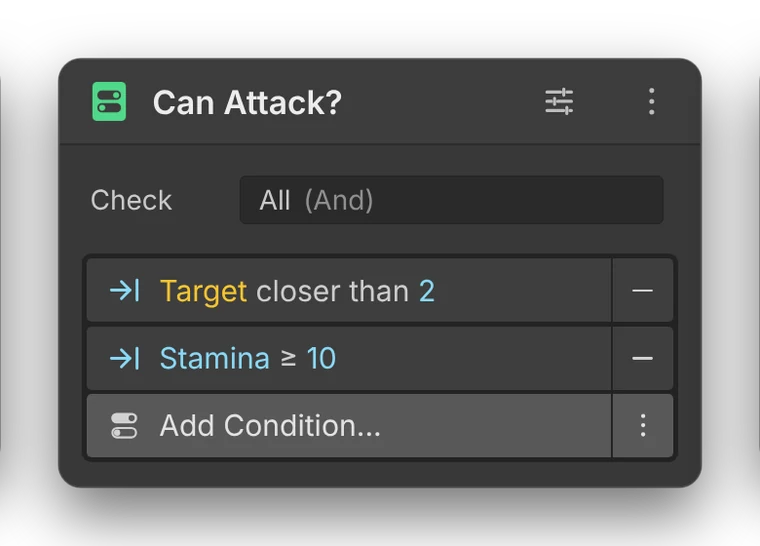
One condition list
A reusable check where all must pass, or any can pass, like Can Attack?, Is Night? or Has Key?

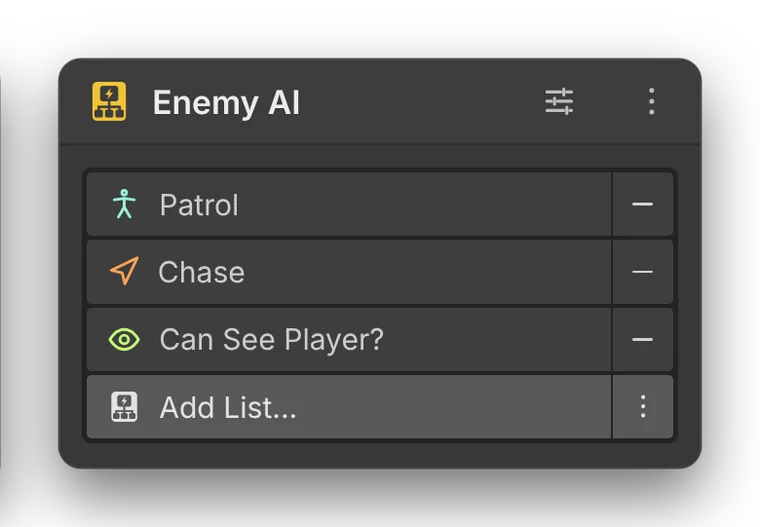
Many named lists
All the logic for one system in one asset, for example every list an enemy uses.
Create › Visual Script › LogicBlock
Parameters
Give a Block typed parameters. Each Run Block sets its own values. Anything you leave alone follows the Block's default.
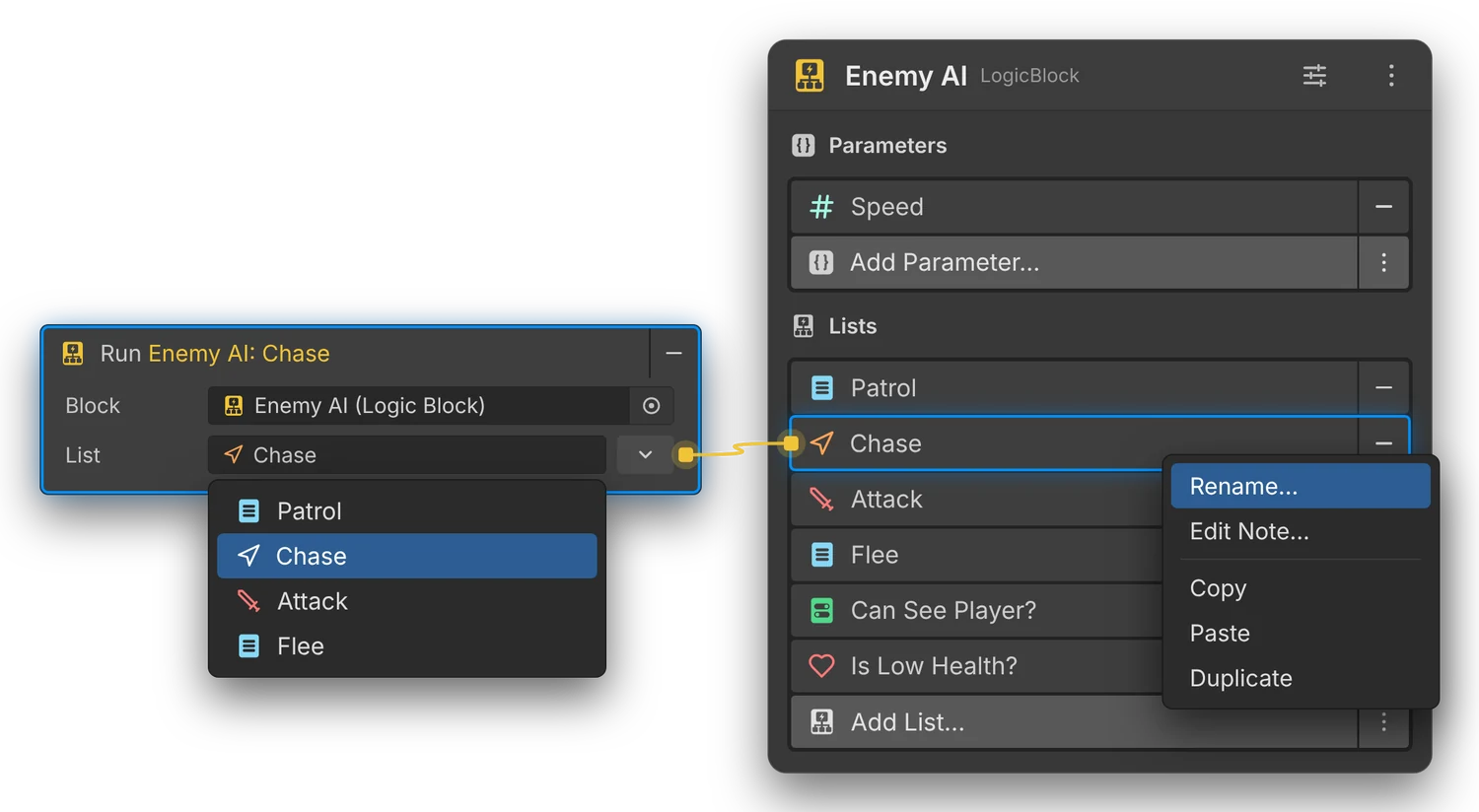
LogicBlock
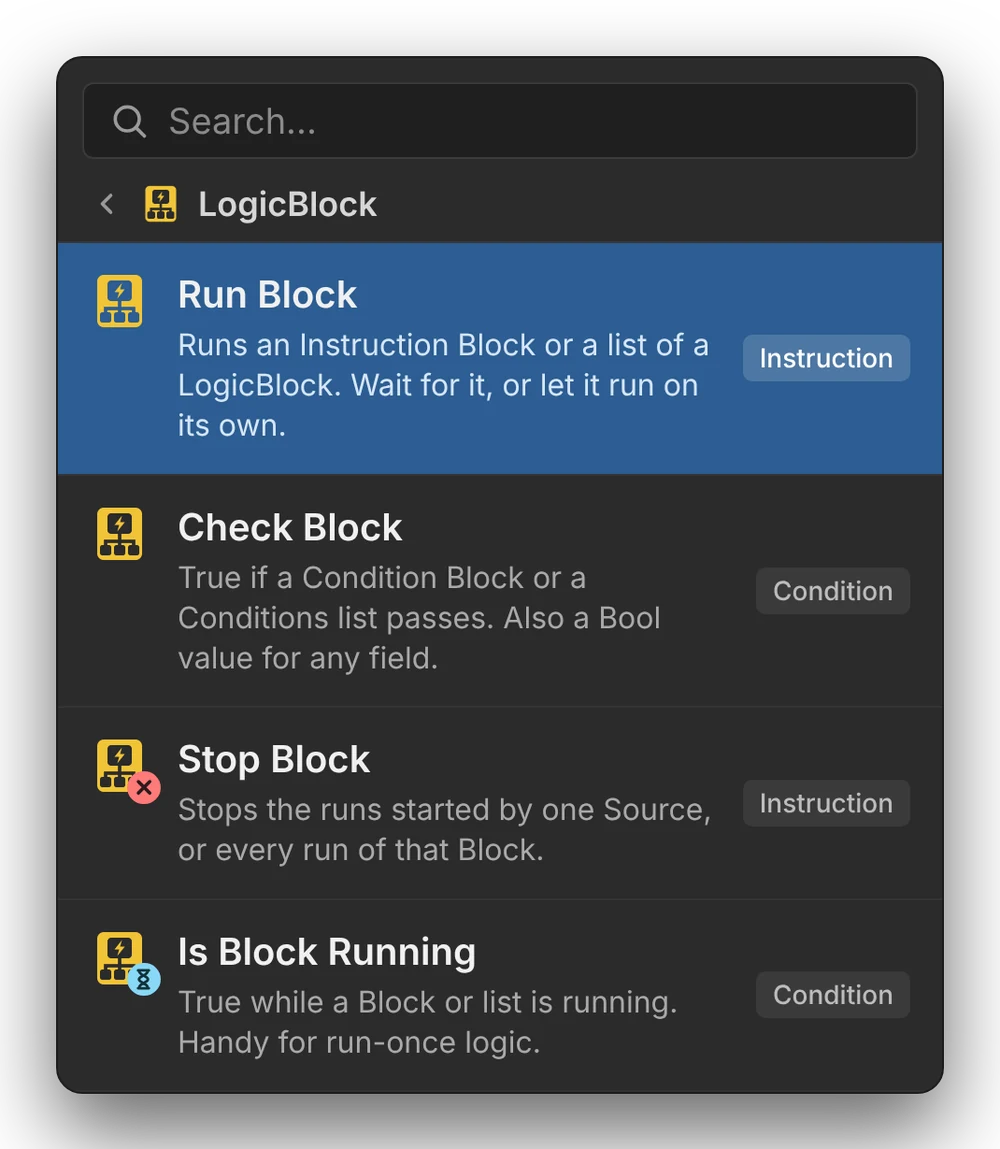
Keep all the logic for one system together. Name each list, give it a note and icon, then pick it from Run Block or Check Block.
Run, check, stop
Every call runs on its own, so one Block can run on many objects at the same time. Blocks can also call other Blocks.
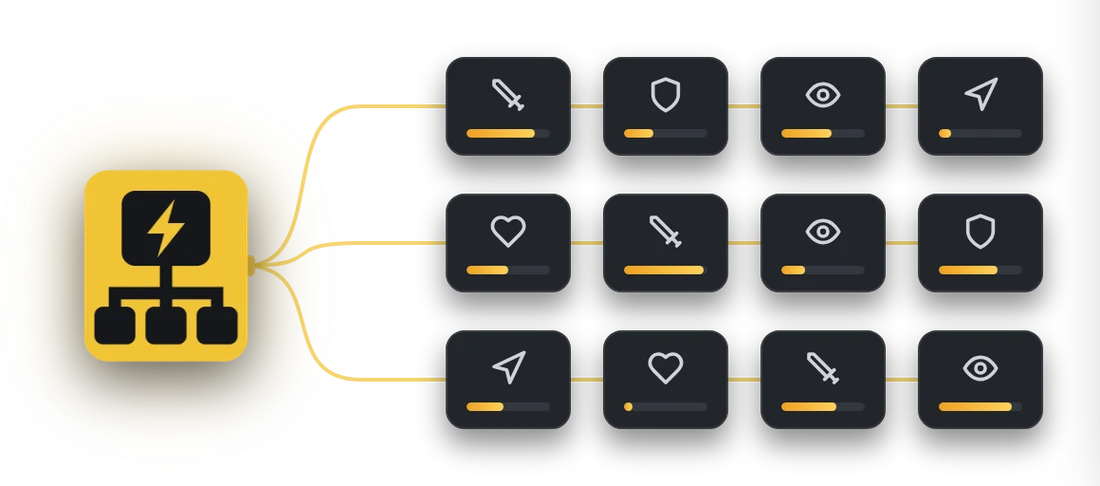
The same Block can run on many objects at once.
After the first few calls, running a Block makes no new copies.
Stop the runs one Source started, or all of them.
Skip a Run Block while the same Block is still running.
Any type
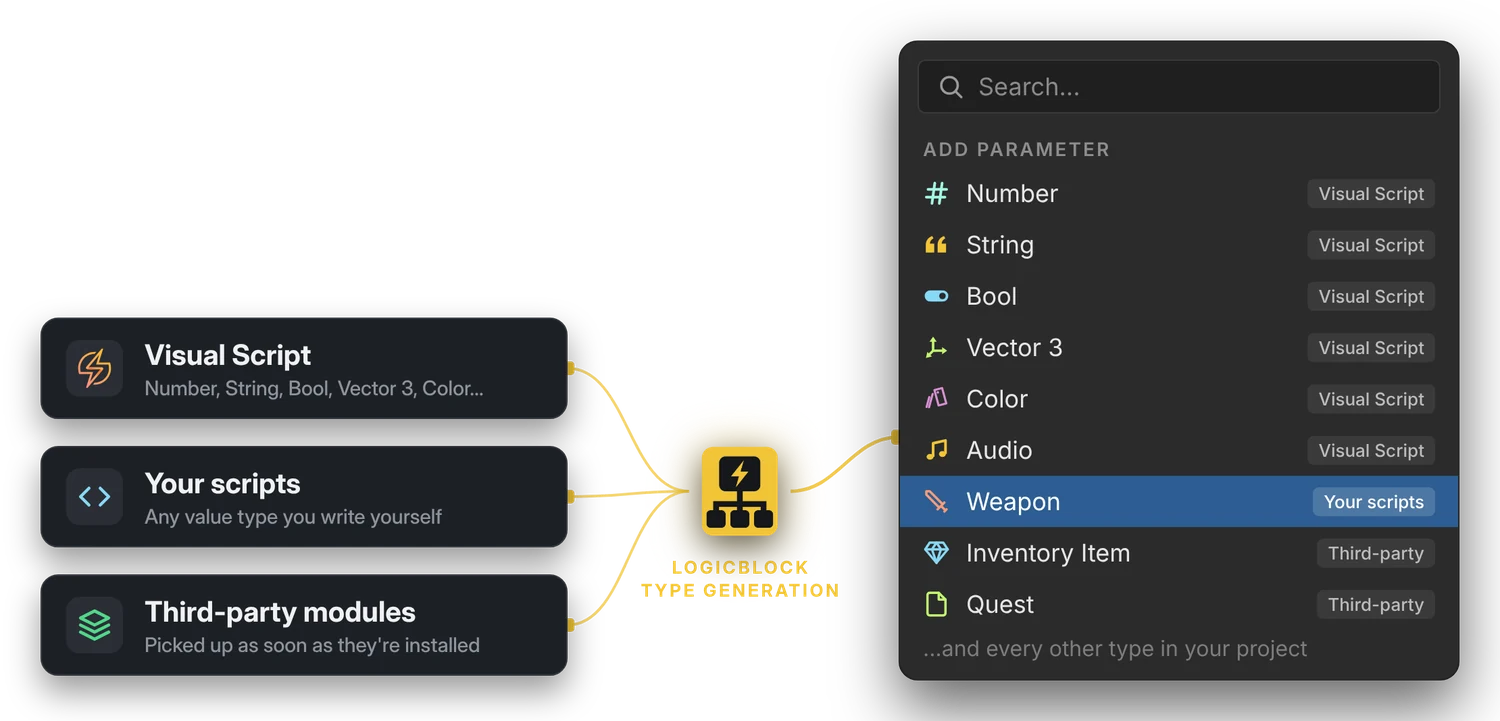
LogicBlock 2 makes a parameter for every value type in your project. Your own types and third-party modules just work, with no extra code.
Workflow
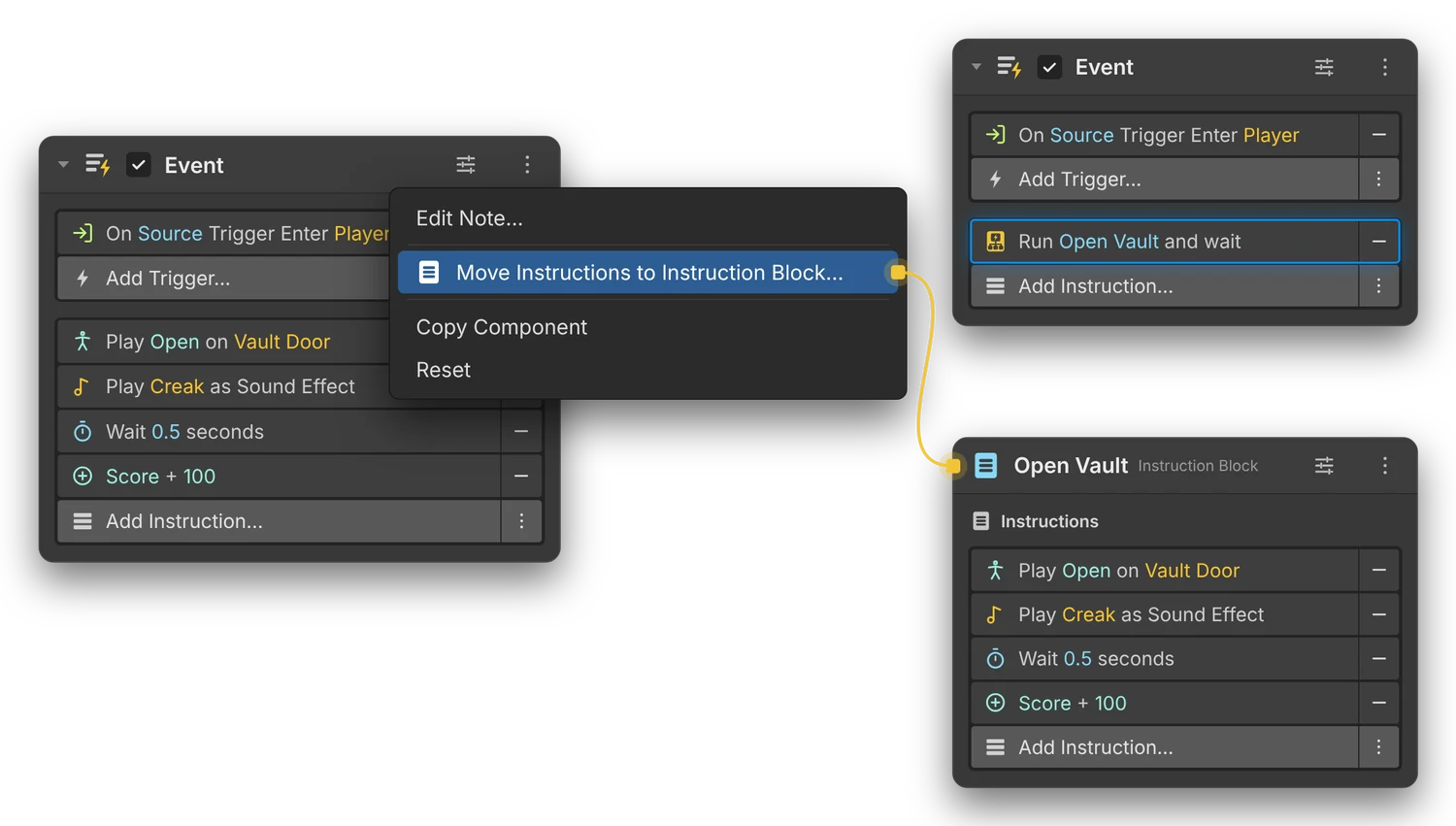
Right-click an Event and choose Move Instructions to Instruction Block. The instructions move into a new Block and one Run Block takes their place.
Examples
Each scene has a note that explains what to do. Select a Block in the Blocks folder to see its parameters and lists.
Three cubes share one Instruction Block.
PopOne Block called with its own Color and Intensity each time.
Set LampA Condition Block used inside If conditions.
Is Lamp OnRed, Blue, Pulse and Reset lists, plus Stop Block and Is Block Running.
Lamp Show
Turn the instructions you keep repeating into one Block. Run it from any Event, pass in what changes, and fix it in one place.
New release discount: $12.50 $25.00, for a limited time.